
COMSOL Multiphysics
COMSOL Gas Discharge Tutorial
This tutorial provides a step-by-step guide for simulating gas discharge in COMSOL Multiphysics.
Table of Contents
Introduction
Gas discharge is a phenomenon where an electric current flows through a gas, often resulting in light emission. This tutorial demonstrates how to simulate gas discharge using COMSOL Multiphysics.
Theory
The physics of gas discharge involves solving the following equations:
- Poisson’s equation
- Electron continuity equation
- Ion continuity equation
For more details, see the theory document.
COMSOL Setup
- Open COMSOL Multiphysics.
- Create a new model and select Plasma from the physics list.
- Define the geometry and materials.
- Set up the boundary conditions and mesh.
- Run the simulation.
For detailed instructions, see the COMSOL model file.
Simulation Results
The simulation results show the electric potential, electron density, and ion density distributions.
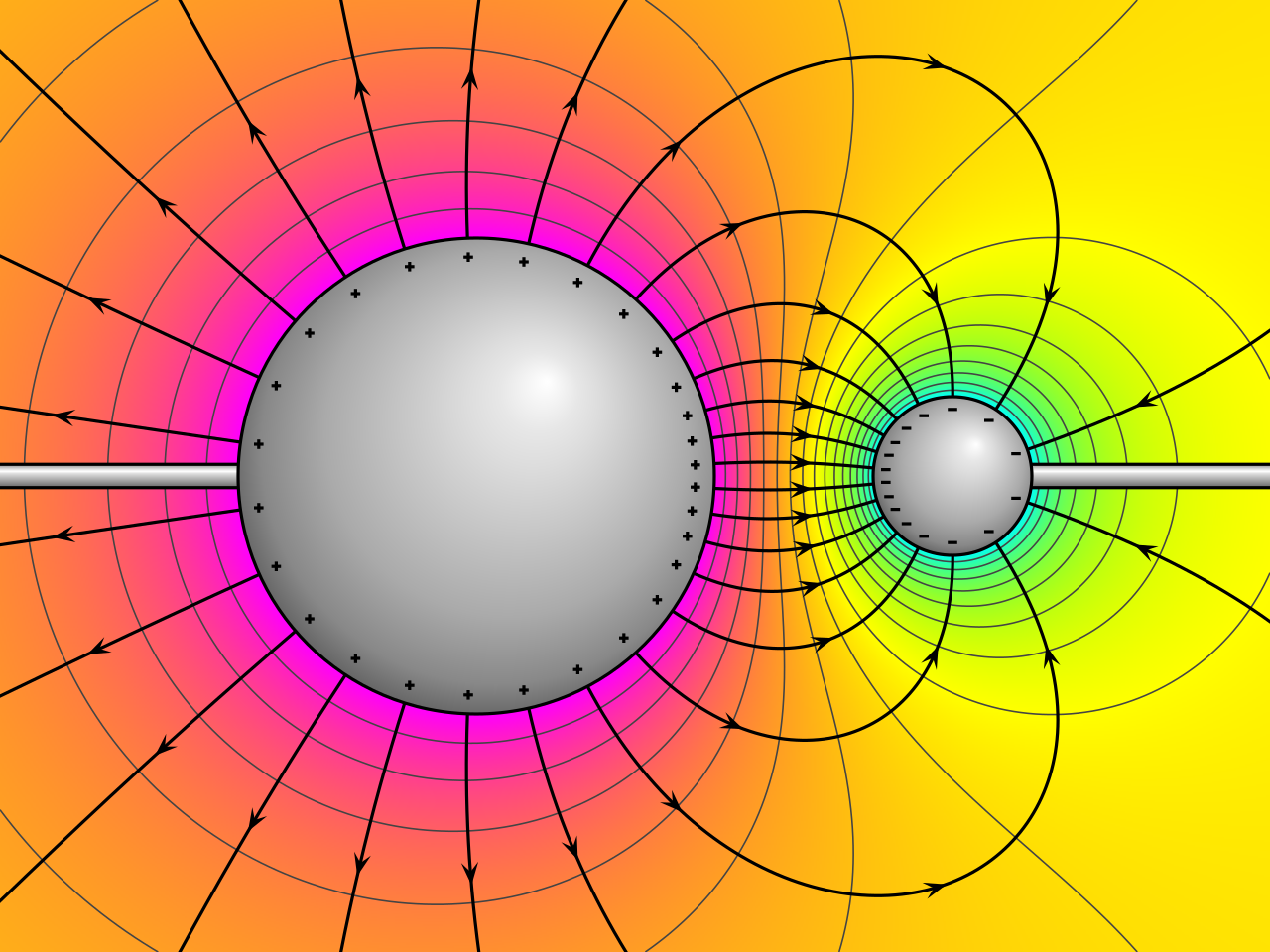
For more results, see the results
Conclusion
This tutorial demonstrates how to simulate gas discharge in COMSOL Multiphysics. The results can be used to analyze plasma behavior in various applications.